
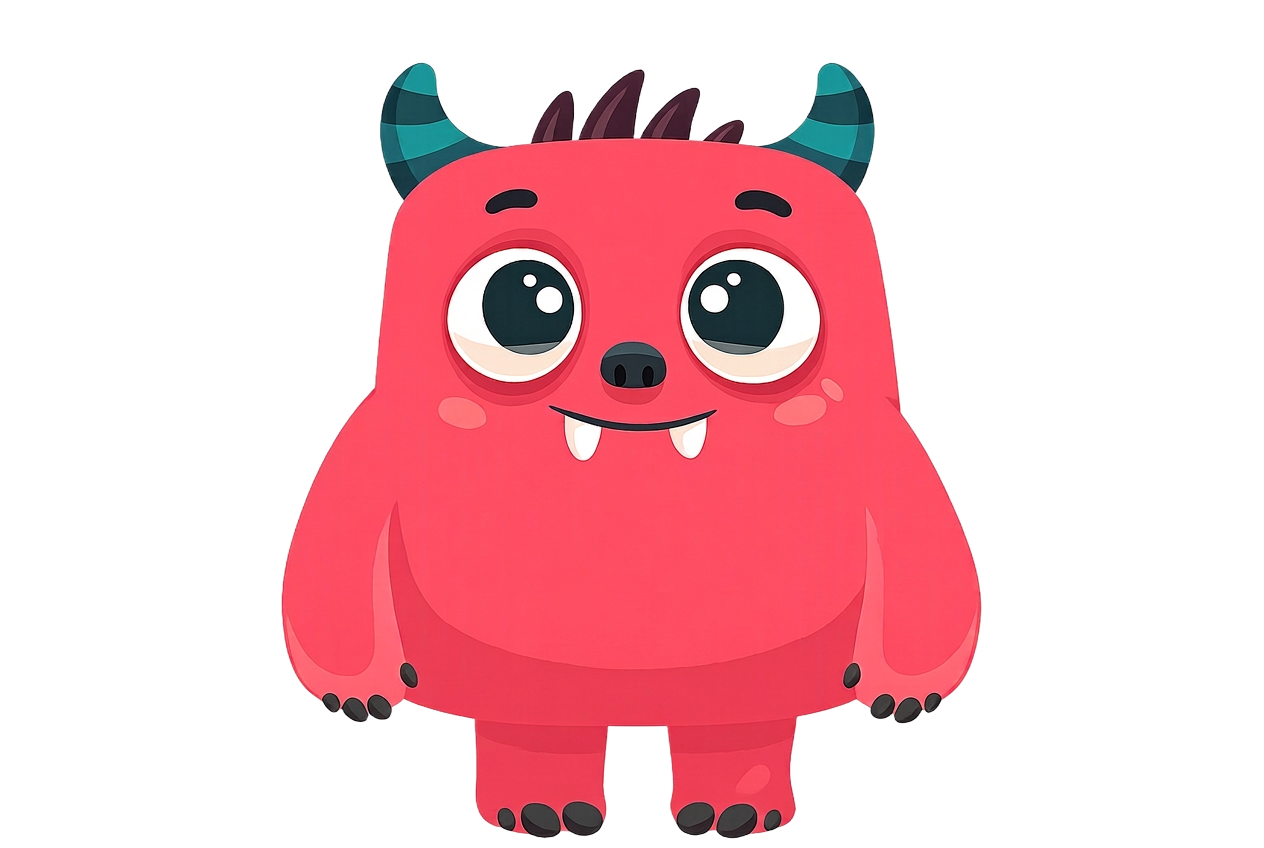
Mogu is a family app that helps kids ages 5–12 build better habits and take more responsibility at home. Parents set tasks and Goodies — real-world rewards — while kids complete routines, earn stars, and grow their Mogu companion along the way.
Kids check off the tasks you set — like brushing teeth, making the bed, or walking the dog. Each completed task earns stars and XP for their Mogu. You approve completions with one tap from the family dashboard.
Yes. You decide what stars are worth and what rewards appear in the shop. Movie night, extra screen time, pocket money, a sleepover — whatever motivates your family.
Mogu is a companion, not just a progress bar. Kids feed, play with, and clean Mogu between tasks. As they earn XP, Mogu evolves through five stages — from a mystery egg to a full-grown monster.
Yes. Mogu is designed to be kid-safe: no ads, no in-app purchases for children, no social features, and no external messaging. The parent dashboard is where all decisions are made.
Absolutely. The family dashboard lets you add every child in seconds, assign tasks, and track each kid's progress from one shared view.
Tasks and reward redemptions are sent to you for approval, so you stay in control. You can approve completed tasks and reward requests with a single tap.
Open the app, choose Parent, sign up with email and password, and follow the on-screen steps to name your family, add children, and get a 6-character invite code.
Open the app on their device, choose Join existing family, enter the 6-character invite code, and pick the profile you set up for them.
Yes. Mogu works on iPad and Android tablets too, so kids can use the app on a shared family device instead of having their own phone.
Mogu is available on iPhone and iPad through the App Store, and on Android phones and tablets through Google Play. Both parents and kids can use the same app, with the parent dashboard accessible from your own device.
Mogu is free to download. Some features may be offered through a family subscription or one-time purchase in the future. We never charge kids directly.
As the main parent, open Settings → Family management and tap the child you want to remove. Their chores, pet and coin balance will be deleted.
As the main parent, open Settings → Account & privacy → Delete account and confirm. That permanently removes your family, child profiles, tasks, rewards, pets, and photos. If you cannot access the app, use our Delete Account page (or email us from the address used to create the account) and we will delete everything within 30 days.
Email us anytime at hello@growmogu.com. We read every message and love hearing from families using Mogu.